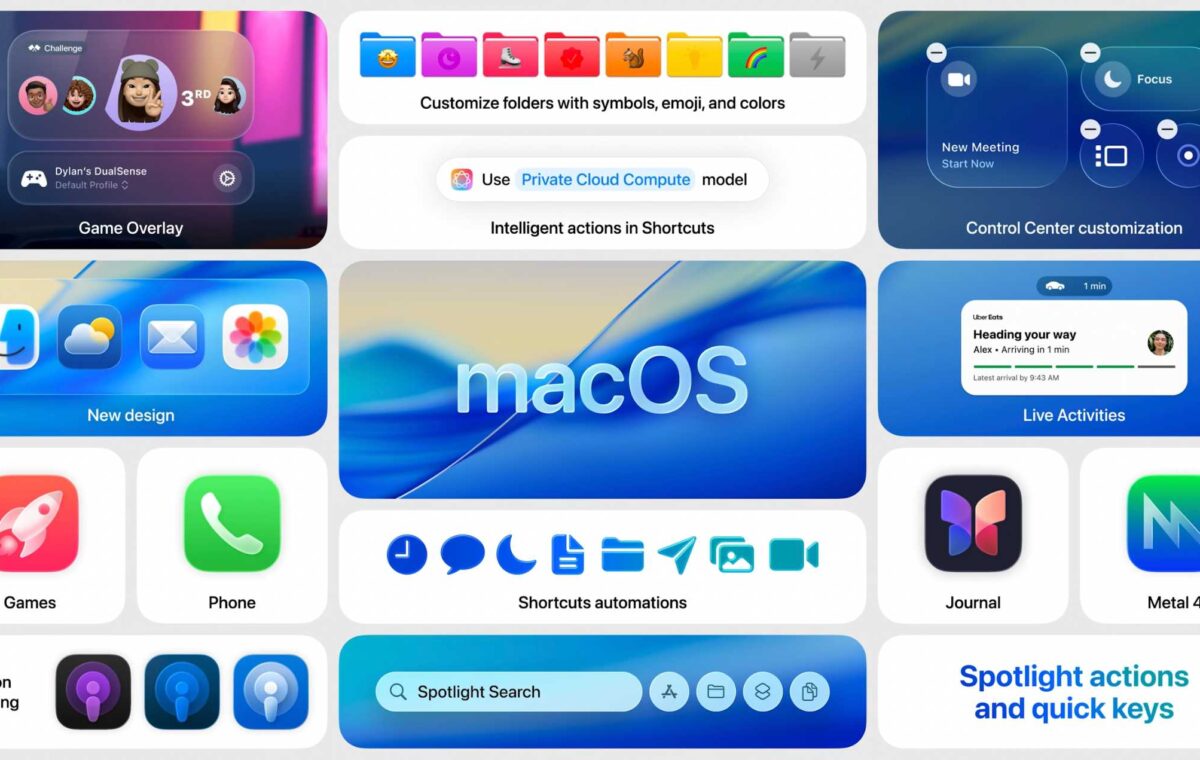
Like its counterparts on the other Apple devices, on September 15, 2025 macOS got a brand new look along with a new name: macOS 26. Because Apple is aligning the names of all the operating systems this year, the new version of macOS is called macOS 26 rather than macOS 16. It also takes the name Tahoe, inspired by the lake, beaches, and the ski resorts of that area of California.
Along with a big redesign, macOS 26 brings new Continuity features to bring your iPad, iPhone, and Mac even closer together, a brand new Phone app, and more. Spotlight also gets its biggest ever update with the ability to action things like sending emails directly from Spotlight.
macOS Tahoe might have launched, but Apple is continuing development with new features being added every couple of months – the latest update being macOS 26.6.2. You can get a first look at the new upcoming features via Apple’s developer and public betas, which are available to download if you join the beta program (we explain how to do so below).
You will find all the things you need to know about macOS Tahoe and all its new features below, including which Macs are compatible with macOS 26 and the new features you can expect, including what’s been added since the September launch, and what’s coming in the next update. Stay tuned to this superguide for everything you need to know about macOS 26 Tahoe.
Apple released the first version of macOS 26 Tahoe on September 15, 2025. The release coincided with the iOS 26 update. Since then the following updates to Tahoe have been issued by Apple:
Wondering whether to install macOS Tahoe? Read: macOS Tahoe vs macOS Sequoia: What’s different, what’s new, and should you update?
With macOS 27 Golden Gate coming in the fall, Apple will not perform any major updates to macOS 26 Tahoe. If APple does release macOS 26 updates from here on out, they will be security patches, bug enhancements, and performance improvements.
On June 8, Apple will hold its WWDC event at which the company will reveal news about what’s coming in macOS 27 later in 2026. The macOS 26.6 update is unlikely to arrive before the WWDC Keynote.
With Apple already working on the next update to macOS, we are less likely to see new features for macOS 26. Future updates to macOS 26 are more likely to relate to bug fixes and security updates, unless Apple needs to release new features for compatibility with upcoming new products.
Apple runs a developer beta as well as a public beta so that upcoming new features can be tested. Both betas are free, though the developer beta requires a free registration as a developer. Apple issues updates to the betas fairly regularly. The public beta updates tend to come a day or two after the updated developer beta. If you are interested in trying out the beta, you can join Apple’s beta program. For help installing the macOS beta, see our guide to installing the macOS beta.
Development continues even after the official macOS update is released, as Apple seeks to introduce new features that missed the initial introduction date.
Below you can see all the new macOS features that have arrived with each iteration of macOS 26 since it’s initial launch in September 2025.
This update provides security fixes for the Mac.
This update contains only a security update. According to the release notes, An attacker on the network may be able to authenticate to Screen Sharing without valid credentials.”
It appears that macOS 26.6 starts the indexing process for Siri AI in macOS 27. This is done so that the index won’t take as long once macOS 27 is released this fall. This update also has over 140 security patches, several bug fixes, and performance enhancements.