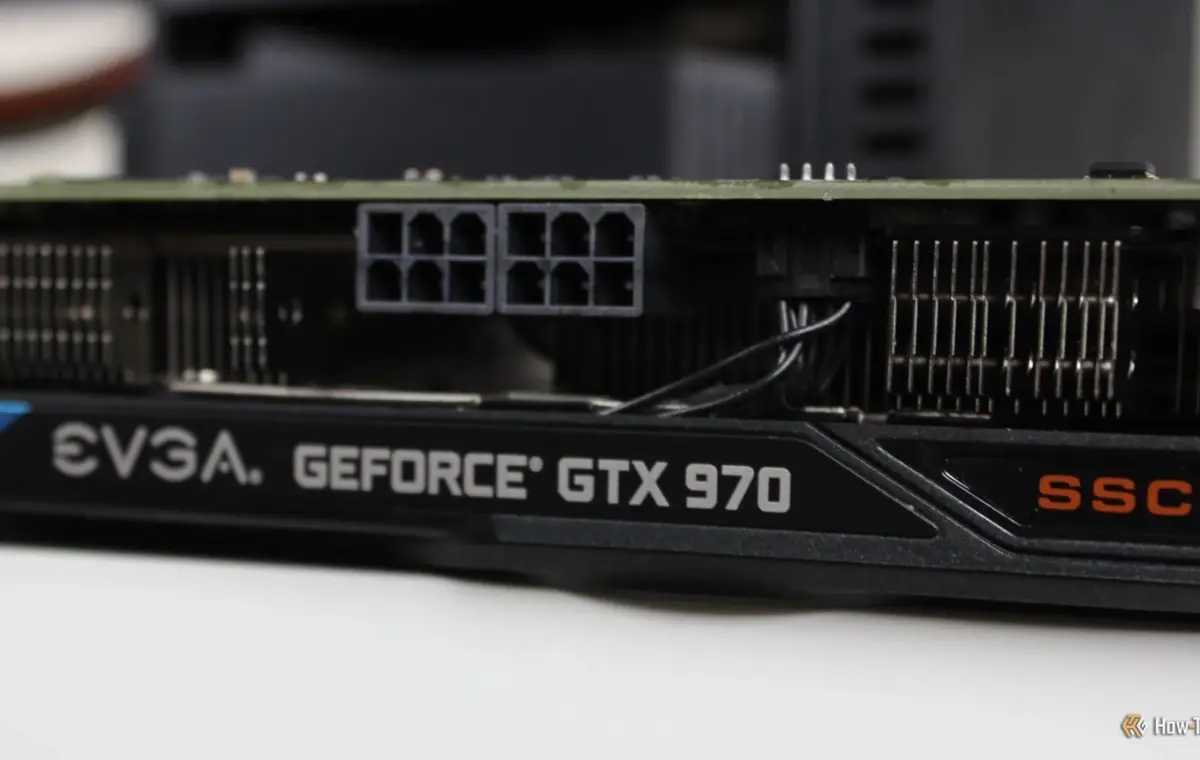
Nvidia's GTX cards may be too old to support any modern, demanding uses, but they're still among the best GPUs of all time.
That's why you shouldn't just chuck yours out and assume it's good for nothing but e-waste; I bet I can find some good uses for your old Nvidia graphics card.
Before I can triage your GTX GPU, we need to set the record straight: GTX can mean a whole lot of different things. Nvidia used this branding for a very long time, so the GTX 760, GTX 970, GTX 1080 Ti, and the GTX 1660 Super are all technically GTX cards, but their performance will be like night and day.
And it's not just generation-dependent, either, of course. It also comes down to where your exact model lands on the ever-so-robust scale between cheap, midrange, and high-end.
Even within the same generation, you're not guaranteed to be dealing with the same hardware. For instance, the GTX 750 and the GTX 750 Ti use the newer Maxwell architecture even though they belong to a generation comprised of Kepler-based graphics cards.
The distinction is especially important now, as Nvidia has been winding down software support for its older architectures. Desktop Kepler cards haven't had Game Ready drivers in years, and more recently have also lost critical security updates. Maxwell and Pascal cards, including iconic GTX 10 series cards, have also lost their Game Ready drivers last year.
The GTX 16 series is one major exception here, as those are based on the much newer Turing architecture, and they still get regular updates. In any case, updates are just one piece of this puzzle: what truly matters is what each card is capable of.
If you own an aging GTX 760, the possibilities are still there, but people with a GTX 1080 Ti will see much better results. Take that into consideration as you explore your options.
5 iconic Nvidia GPUs you must replace now that official driver support is dead
This brings me to gaming. Obviously, especially back in those days, many of those GTX GPUs were bought for gaming. (If yours wasn't, do forgive me.) And even though marketing will have you believe that they're good for nothing at this point, as will elitist posters on Reddit, the reality is that you can still play games on GTX cards. With some caveats, some patience, and a dash of compromise. Okay, maybe more than a dash—again, depending on just how old that card even is.
I personally used a GTX 1060 as my daily driver until 2024. I swapped it out for GPUs I tested here and there, but my main PC was stuck with an older card due to various shortages and pricing issues until things eased up in 2024. (That didn't last long.) I was able to play at 60fps in 1080p without any issues.
Of course, using an older GTX card means you're not getting the benefit of Nvidia's DLSS, which is huge for older/less powerful cards. Those fake frames come in handy when your actual graphics card can't put out too many. Without that built-in AI-powered cheat code, your GPU is left to its own devices.
Fortunately, you can still make the most of what you have. Check out Lossless Scaling for some frame generation, turn down your settings, and don't bother playing at above 1080p unless you're fine with sticking to medium to low settings in AAA games.
One problem you can't really overcome in these older cards is the lack of VRAM. Take my old GTX 1060, for example. It had 6GB VRAM, and in 2026, that's a pitiful amount. Many old GTX GPUs had less than that.
Still, one of the most useful things you can do with an old GTX GPU is related to video, not gaming. Starting with Kepler, Nvidia GPUs came with NVENC, a dedicated hardware video encoder that handles video encoding separately from the main CUDA cores. This means that even if your old GPU is hopelessly outclassed in current AAA games, its video engine can still be super useful for H.264 or HEVC encoding.