NordVPN packs a lot into a single premium subscription: tons of country connections, excellent streaming site compatibility, a wealth of configuration options, and lightning-fast server speeds. It has grown beyond just a VPN, now offering a potent suite of privacy and security features that few competitors can match.
This value will show the geolocated pricing text for product undefined
NordVPN is one of the most well-known and popular VPN services, with a huge user base. The trusted premium service is notable for its excellent speeds, an enormous server network, and unrivaled set of security features.
In its aim to be a one-stop shop for all your security needs, the service has expanded into a larger umbrella organization known as Nord Security, which also owns products such as the NordPass password manager, NordLocker encrypted storage, and the NordLayer business-security platform. Some consumer tools are bundled with higher-tier NordVPN subscriptions, while its business products are sold separately.
Read on to learn more, then see our roundup of the best VPN services for comparison.
Let’s get this out front right away, NordVPN is one of the largest and most well-funded VPNs around. NordVPN has a user base in the tens of millions and is only one part of the larger conglomerate known as Nord Security.
There’s no doubt it’s a premier VPN service with resources most competitors could only dream of. A subscription comes with not just a VPN, but a whole slew of top-quality privacy and security features. But for the purposes of this review, and to compare apples to apples, I’ll be focusing mainly on the VPN portion.
The VPN itself is supported by most major platforms such as Windows, macOS, Android, iOS, Linux, smart TVs, and browser extensions. It also allows for 10 simultaneous device connections.
One caveat is that the feature set varies by platform. Split tunneling is available on Windows, Android, and Android TV, but isn’t offered on macOS or iOS. The full next-gen antivirus is also limited to Windows and macOS, although more basic DNS-based protection is available elsewhere. On the plus side, Linux users now get a full graphical app rather than having to rely only on command-line controls.
Its customer support services are available 24/7 via chat or email and it also has an extensive blog and FAQ section on its website should you run into trouble and want to solve the problem on your own.
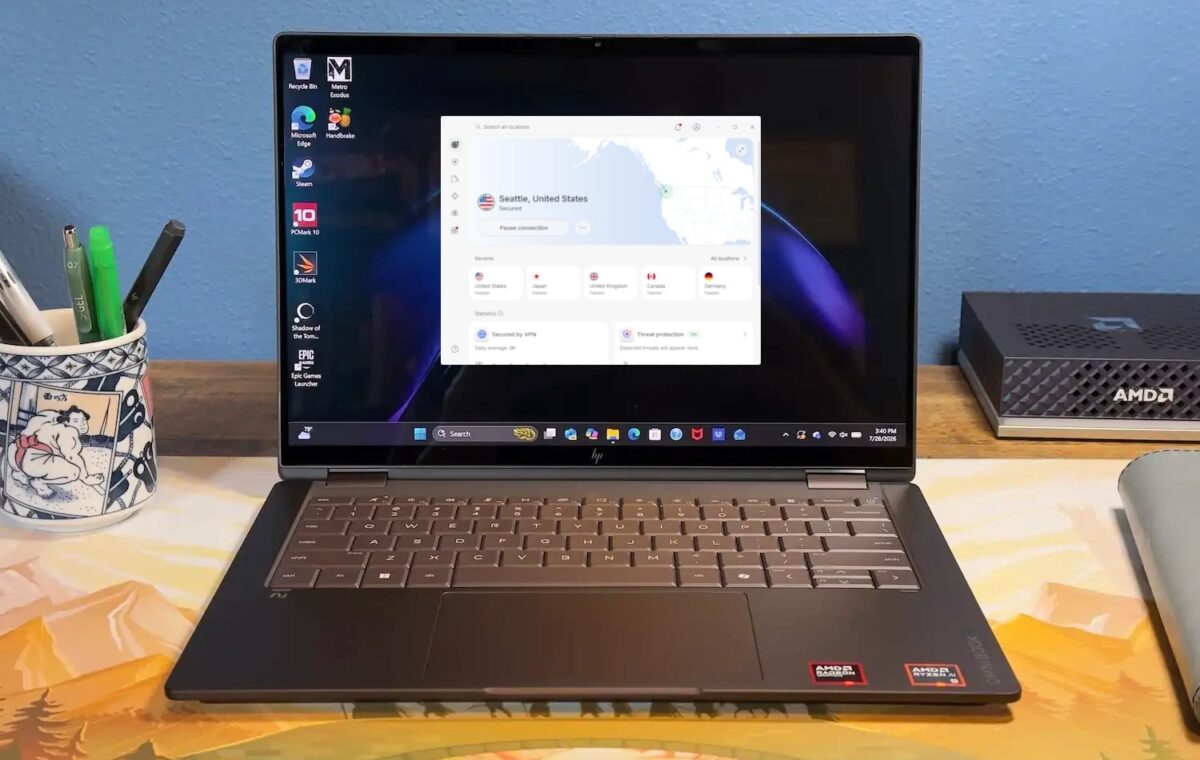
NordVPN’s homescreen is a well-designed interface that is easy to navigate and displays all of the information you’re likely to need from a VPN connection at a glance.
When you first open NordVPN on Windows, you’re presented with an information hub showing the status of your VPN connection, Threat Protection, and File Sharing. The left-hand rail includes quick links for a VPN map, Threat Protection, File Transfers, Meshnet connectivity, and Dark Web Monitoring. At the bottom you also have interface options for Contact Us and Settings.
When you click on the VPN option, the app window changes to a world map that you can drag around and select a specific country and server to connect to. There is also a small box with options for quick connect—allowing you to automatically connect to the fastest available server. In larger countries such as the U.S., Canada, Australia, Germany, and the UK, server recommendations now try to keep users within their own region, which should mean shorter routes and potentially better latency.
NordVPN’s Settings menu allows for a wealth of customization options and tools that allows you to really optimize your VPN experience. Features such as a kill switch, split tunneling, and more are all here.
Digging deeper into the Settings menu, you’ll find a ton of power user options including a Kill Switch and App Kill Switch. The latter stops any app from connecting to the internet if an active VPN connection drops, while the former does that for the entire device.