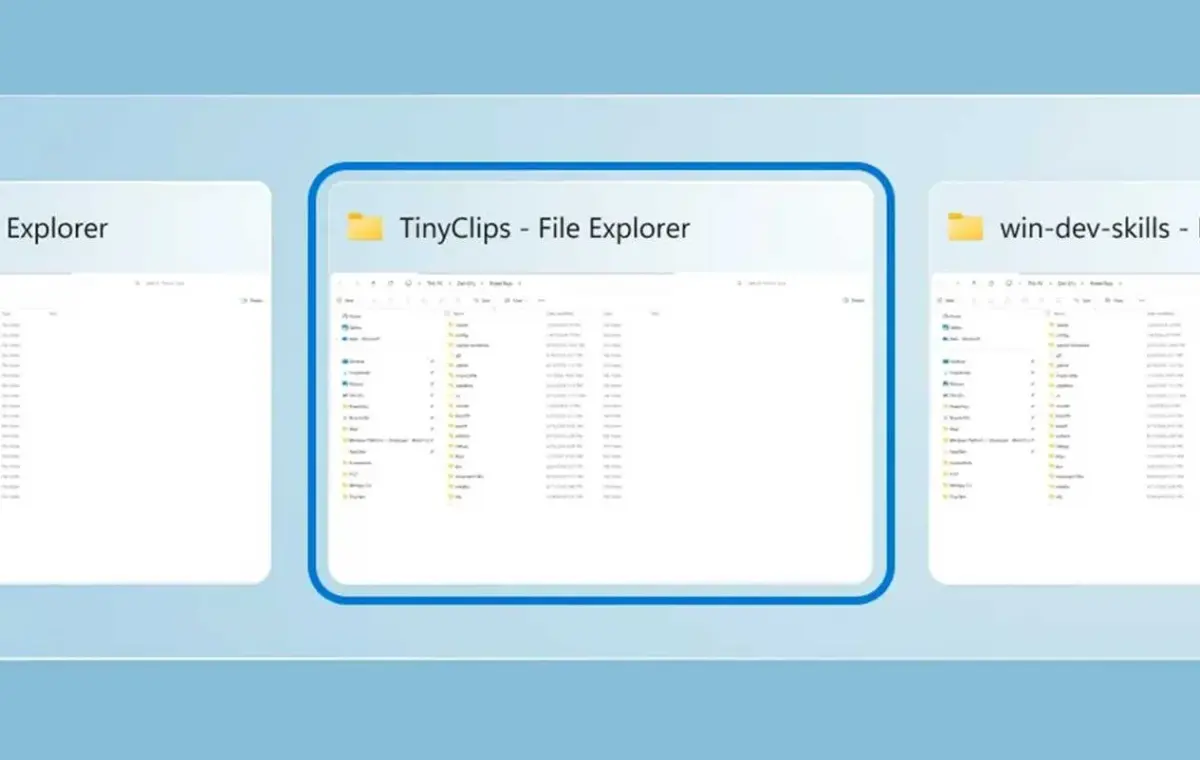
Everyone’s familiar with the Alt+Tab shortcut within Windows, but there’s a problem: too many windows means too many hops. The productivity elves at Microsoft’s PowerToys have a new solution, dubbed Window Hopper.
Window Hopper simply allows you to Alt+Tab inside a specific application: If you have three browser windows open, Window Hopper will cycle between them. So for example, if you have more than one instance of File Explorer open (such as cutting and pasting files from a USB stick), you can simply jump between them using Window Hopper. It’s as simple as that.
There’s only two things I don’t like about this new, free, PowerToys application: first, it uses the “backtick” key by default, which won’t be familiar to many users. The backtick (“`”) is basically the key that should live at the top left-hand corner of your keyboard, though you should be able to adjust the keyboard shortcut to another key command.
Secondly, Window Hopper isn’t available. It should be! Window Hopper is described in the PowerToys update log, but it didn’t show up in my local version of PowerToys, which supposedly updated just this morning.
The new version of PowerToys is accompanied by a host of small updates for other tools, all of which are described on GitHub.
One of the most significant is the addition of a new Insider channel, which will allow enthusiasts to try out new PowerToys features sooner. The PowerToys settings (Settings > General > Update channel) will allow you to switch between the Stable and Insider builds. I’m personally not in favor of this, as Microsoft already has an issue with fragmentation and advertised features not always showing up. Still, PowerToys caters to those who wish to optimize their PCs above all else, so I can understand users who wish to take part.
Interestingly, this is the second twist we’ve seen on the Alt+Tab shortcut in this month alone. Just two weeks ago Stardock Software announced AltTabby, another way of configuring your open windows.
Other than that, here are my favorite new PowerToys additions:
Remember, PowerToys is free, and can be downloaded from the Microsoft Store.