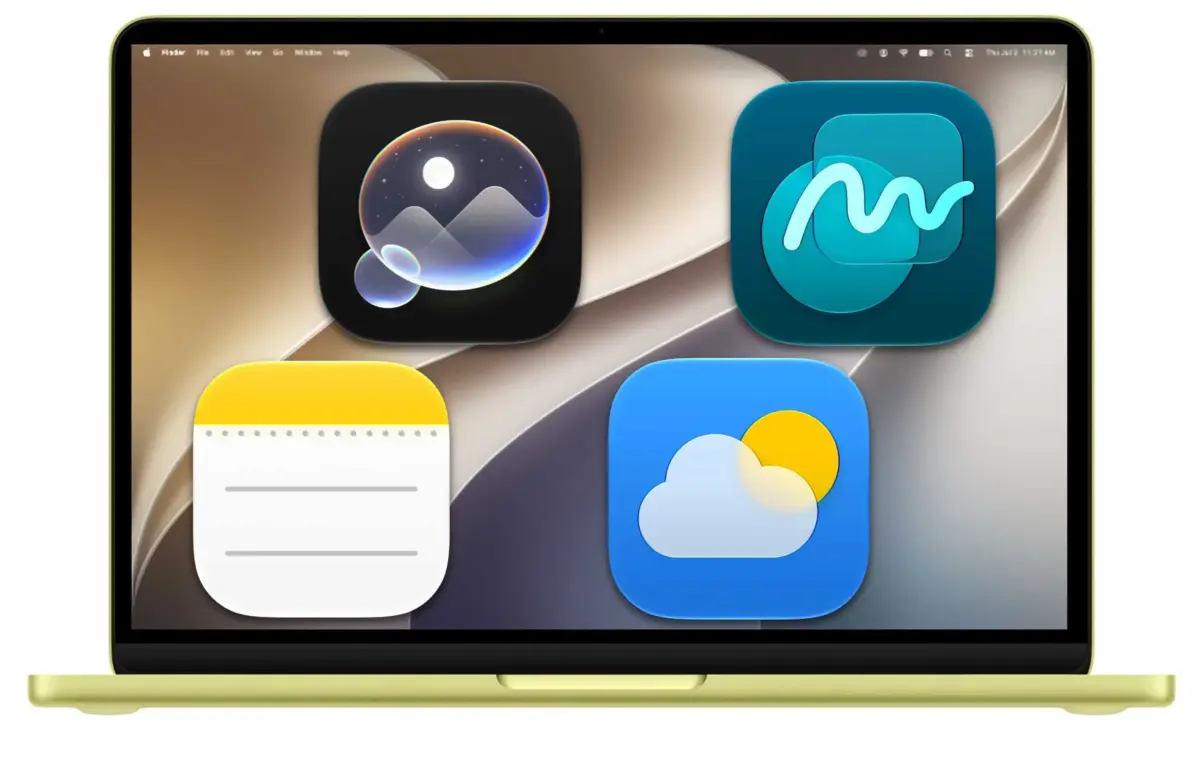
Apple has already revealed many of the new features coming in macOS 27 Golden Gate, the next major update for the Mac. Headline changes include an all-new Siri AI assistant, major upgrades to apps including Safari, Photos, Messages, Mail and Calendar, expanded child-safety features, design refinements and performance improvements throughout the operating system. We’ve also had the chance to see many of these features in action through the beta, with the full release now likely to be only days away.
Golden Gate continues Apple’s tradition of naming macOS releases after iconic Californian landmarks. More broadly, the update represents another step in Apple’s push to make the Mac smarter and more proactive, with greater use of Apple Intelligence across the operating system and a stronger focus on helping users complete everyday tasks more quickly.
macOS 27 will support all Macs powered by Apple silicon, marking the end of the road for Intel-based Macs. While Intel models won’t be eligible for the new operating system, Apple is expected to continue providing security updates for them for some time.
Apple made developer and public betas of macOS 27 available, with the finished version expected in September 2026. This hub covers everything you need to know about macOS 27 Golden Gate, including its new features, compatibility, beta releases and Apple Intelligence upgrades.
Here are the top ten new features and changes coming with macOS 27 Golden Gate.
In recent years, Apple has released macOS around the same time as iOS, typically on the Monday following its September iPhone launch event. With Apple’s 2026 keynote taking place on Wednesday, September 9, our best guess is that macOS 27 will be released on Monday, September 14.
Apple released the first macOS 27 developer beta at WWDC, followed by the first public beta on July 13, 2026. The current version is developer beta 8, released on August 31, alongside Public Beta 6.
At this late stage, Apple is mainly refining the software ahead of its expected September release. Recent betas focus on Siri AI, faster performance and search, Safari automation, deeper Apple Intelligence integration and further refinements to Liquid Glass.
Most people should still wait for the final release, particularly if they rely on their Mac for work or use specialist software. Beta software can still cause crashes, app compatibility problems, increased battery drain and, in some cases, data loss. If you do install it, make a full backup first and ideally use a secondary Mac, separate volume or external SSD.
Here’s how you can participate in the beta program we also recommend reading our guide to whether you should install the latest macOS beta.
Separately, the macOS 26.7 release candidate appears to have revealed a substantial part of Apple’s upcoming hardware roadmap, with references to nearly 40 products, including the iPhone Ultra, iPhone 18 range, M6 and OLED MacBook Pros, new iMacs and iPads. Other references point to camera-equipped AirPods, new Home devices, a security camera, tabletop robot, next-generation Vision Pro and further undisclosed products.
Apple’s biggest focus in macOS 27 Golden Gate is Siri AI, a completely redesigned version of Siri powered by Apple Intelligence. Rather than functioning primarily as a voice assistant, Siri is becoming a conversational AI that can answer questions, understand personal and onscreen context, access current information from the web and take actions across apps.
We tested Siri AI in beta on a MacBook Neo, and it behaves much more like a generative-AI chatbot than the Siri of old. It can answer questions directly, understand natural follow-ups and solve problems instead of simply directing users to web searches.
Conversational AI assistant: Siri can handle open-ended questions, brainstorming, research and natural back-and-forth conversations.
Dedicated Siri app: A standalone Siri app keeps conversations in one place and syncs them through iCloud, allowing users to start a conversation on one Apple device and continue it on another.