Thanks to the ability to easily add debit and credit cards for tap-to-pay, Google Wallet has become an irreplaceable part of daily life for many Android users. However, what many people don't realize is that while Google Wallet is great for payments, that's merely scratching the surface of all the things it can actually do.
The truth is that Google Wallet is a virtual wallet on your phone in every sense of the word. Beyond credit and debit cards, it can store everything from loyalty cards and boarding passes to tickets, documents, and more. Here are some of the most useful features you might not be using yet.
Google Wallet is shockingly versatile when it comes to storing retail loyalty cards, gift cards, gym membership cards, and even event tickets. It can even store health insurance cards and vaccination records in supported regions (which was incredibly important during the pandemic).
A good rule of thumb is that if you've got some sort of physical loyalty card in your wallet, or perhaps a virtual membership card in a store's app, there's a very good chance that you can add it to Google Wallet.
While you'll still need to access a store's app to unlock coupons and special offers, Google Wallet gives you one place to keep all those different loyalty cards, allowing you to quickly pull up the right one at checkout.
I can't even begin to tell you how much I love this feature: it might just be better than contactless payments.
These days, it seems like every other store has a loyalty program, and I've been out of space in my physical wallet for years. I hate carrying all those plastic cards around or fumbling through apps on my phone while people are lining up behind me.
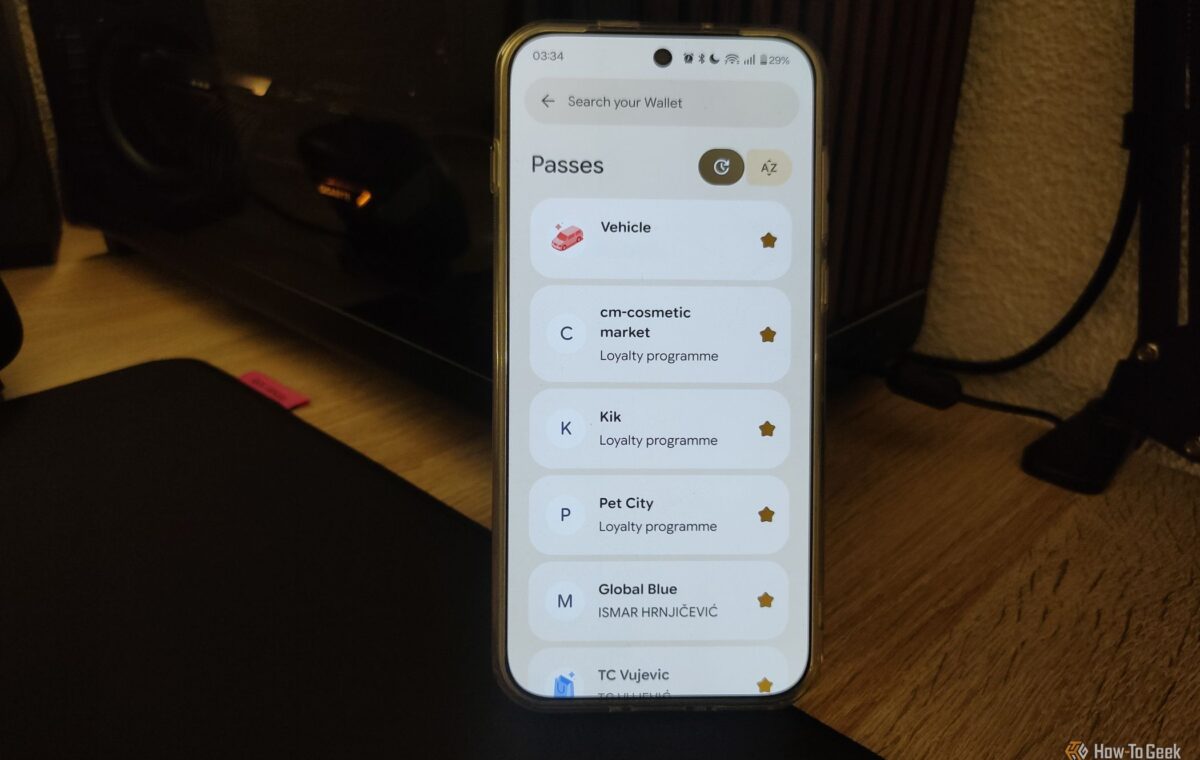
With Google Wallet, I can keep all these different cards in one place. And even if a specific retailer doesn't support Wallet integration, you can still add it manually using the Everything else option to take a photo of the card and keep it stored.
Scanning the barcode or QR code at checkout might not work, but there's usually a way to enter the code manually in those cases. There's no upper limit to how many cards you can add.
The best part? You can share them. My wife and I can share all those loyalty cards we've accumulated over the years, making sure we always have easy access and neither of us has to carry duplicates.
Many major cities have moved toward digital transit passes, with many systems also supporting Google Wallet integration. If your daily commute involves using a transit pass for a train, bus, tram, or some other form of public transportation, adding it to Google Wallet is a no-brainer.
The convenience doesn't stop at just having a digital version of your pass, either. In supported public transport systems, Google Wallet can display useful information such as your remaining balance, expiration dates, and schedule updates from the transit system.
Even if a system doesn't officially integrate with Google Wallet, you can often add it manually using the Everything else option. However, how well it works and whether scanners can actually detect the pass varies from system to system.
Google Wallet can go far beyond storing the things you typically keep in your physical wallet. One especially cool feature I've discovered is that I can store essential information about my car, including the make, model, year of manufacture, license plate number, and VIN.
For a car guy like me, having this information saved in Google Wallet is incredibly convenient. Google can automatically fill in these details whenever a website or app asks for them, similar to how it can autofill saved addresses or payment information.