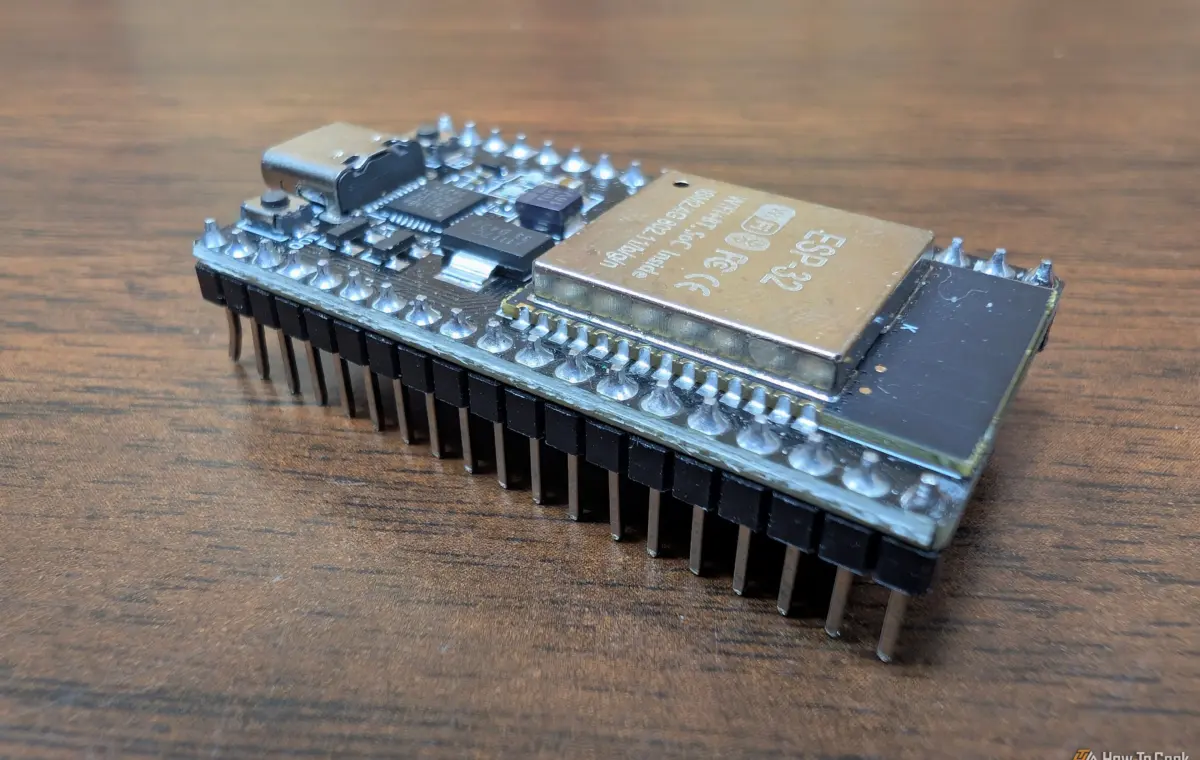
Most of the vibe coding projects I encounter are written in high-level languages like C, C++, or Python. However, Claude can also write decent MicroPython—you just need to be a little careful.
Claude tends to write MicroPython like regular Python, which means the code it produces is often too memory-intensive for many microcontrollers, which only have a few hundred kilobytes of RAM. I've also found that it doesn't always account for the factors that matter when you're trying to build something with a microcontroller. A blinking LED is cool; a blinking LED that prevents you from pushing buttons is really aggravating.
These are a few things I've found that guide Claude towards writing more useful MicroPython for ESP32 boards.
If you've ever written the basic blinking LED project, you probably used time.sleep(). Claude will usually use it when you vibe code it, and in most common tutorials you'll find use it too.
It is fine if you're learning to write code for the first time, but a total pain otherwise. Sleep() tells the board to stop everything for a specified duration. If you push a different button in that time, it is totally ignored.
It quickly becomes a problem in real-world projects. Instead, remind Claude that tick_ms() and ticks_diff() can handle a blinking LED without tying up your board. Asyncio is another good one to point Claude towards.
Even if you don't specify those commands specifically, be sure to tell Claude that you need to be able to take an input at any time.
When you write a simple script that reads a button press, you'll often find that one push actually registers as multiple hits. That isn't a software bug precisely, it occurs because metal contacts bounce slightly when they make contact, which registers as multiple presses.
In order to fix that, Claude will often simply add a sleep after the first press to ensure subsequent presses don't register. However, that can also be a problem if you have multiple buttons you want to press.
Make sure to tell Claude to account for debouncing without sleeping so that you don't get any weird pauses.
Message Queuing Telemetry Transport (MQTT) is the best way to get information from an ESP32 board into something like Home Assistant. It is lightweight and is easy to deploy.
However, I've found that Claude tends to ignore an important part: reconnecting. Some of my devices run for months without me touching them, and in that time, the router will restart, I'll have a power outage, or something else that interrupts the connection. Some simple scripts you get out of Claude (especially Opus 5, for some reason) don't have a reconnection provision, so once they go offline, they'll stay offline until you intervene.
Make sure you prompt Claude to include a retry function that gets your device back online by itself so that you don't have to fiddle with the sensor you stuffed in your attic. Umqtt.robust is a good place to start.
If you provide Claude with your Wi-Fi credentials, there is every chance it'll hard code them into whatever script it is writing for your ESP32 board. If the network name or password changes, you have to change the code and then re-flash the board.
Instead, tell Claude that you want your settings to be read from a file stored in the board's flash memory. Config.json is a popular option, but realistically any plain text format will work. The script loads the file when the board boots, which means you only need to tweak your config file if you want to update a password.