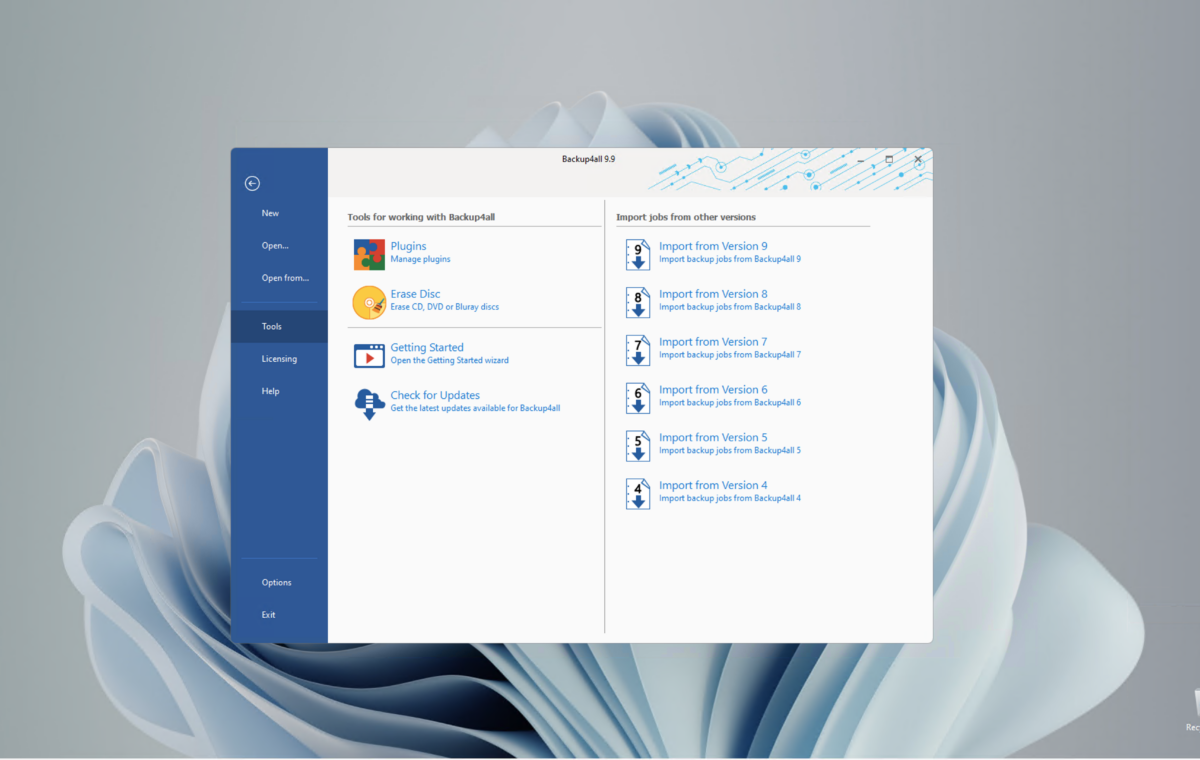
Backup4All Professional 9 is one of, if not the most powerful file-backup programs out there. It’s easy, feature-rich with a plug-in architecture and super-reliable and especially well-suited to managing a large number of backup jobs. If it ever adds imaging, it’ll be a contender for the overall backup top spot.
This value will show the geolocated pricing text for product undefined
Since last I reviewed the Backup4All (version 8) file backup program several years ago, a host of performance and stability improvements have been implemented. Added to an already broad range of capabilities and media support, including optical disc and online storage services, the program has cemented its status as a winning alternative to Windows File History.
Note that the Backup4All author, Softland, also offers a free, less feature-endowed version named FBackup that might do the trick for some users. You can learn more in a nice feature comparison chart.
Read on to learn more, then see our roundup of the best Windows backup software for comparison.
By far Backup4All 9’s most outstanding feature is its aforementioned plug-in architecture. Plug-ins are simply HTML files that describe where a particular program is located and where its data is stored. They make it super simple to make sure all your important program data is backed up.
Backup4All has literally hundreds (253 as of now, to be exact) of them pre-baked for you to simply install, and you can suggest new ones to the company.
If you don’t find what you need, or are using software that’s off the beaten path, you can create your own plug-ins following the directions and using a tool provided by Softland that you can read and download here.
Second on my list of best Backu4All features is its vast support for various media and destinations, including: optical discs, Windows-mapped network drives and SMB locations.
Popular online storage services are also included: Microsoft Azure, Amazon S3, Google Drive, Google Cloud Storage, Box, Dropbox, OneDrive, HiDrive, Hubic, and even S3-compatible services.
All the usual backup functionality and options are provided such as email notification, scheduling, media rotation, encryption, compression (zip), file include/exclude filters, comprehensive logging, and more.
Backup4All also provides some nice perks that I wish all vendors offered, such as the ability to test a backup to make sure it will start correctly, and an integrated utility to cull older backups.
IT staff dealing with lots of backup jobs will like the deep-dive features, such as search and a verbose history. You can define which columns (date, size, name, and quite a few more) are visible in the backup job list, and there’s a hideaway pane to the right of the main window that will pop out to show progress information.
Last time around, I complained about Backup4All’s lack of plain file (no compression, no container) backup. That’s been solved via mirror backups, which are basically sync. Nice. This is actually my preferred method of everyday file backup, in conjunction with the occasional full system image and point-in-time file backups.
Also, new since my last look is the ability to define custom network locations that retain the user name and password. Nice, except there’s no option to show the password to make sure you didn’t mis-enter it. You can test it, but…