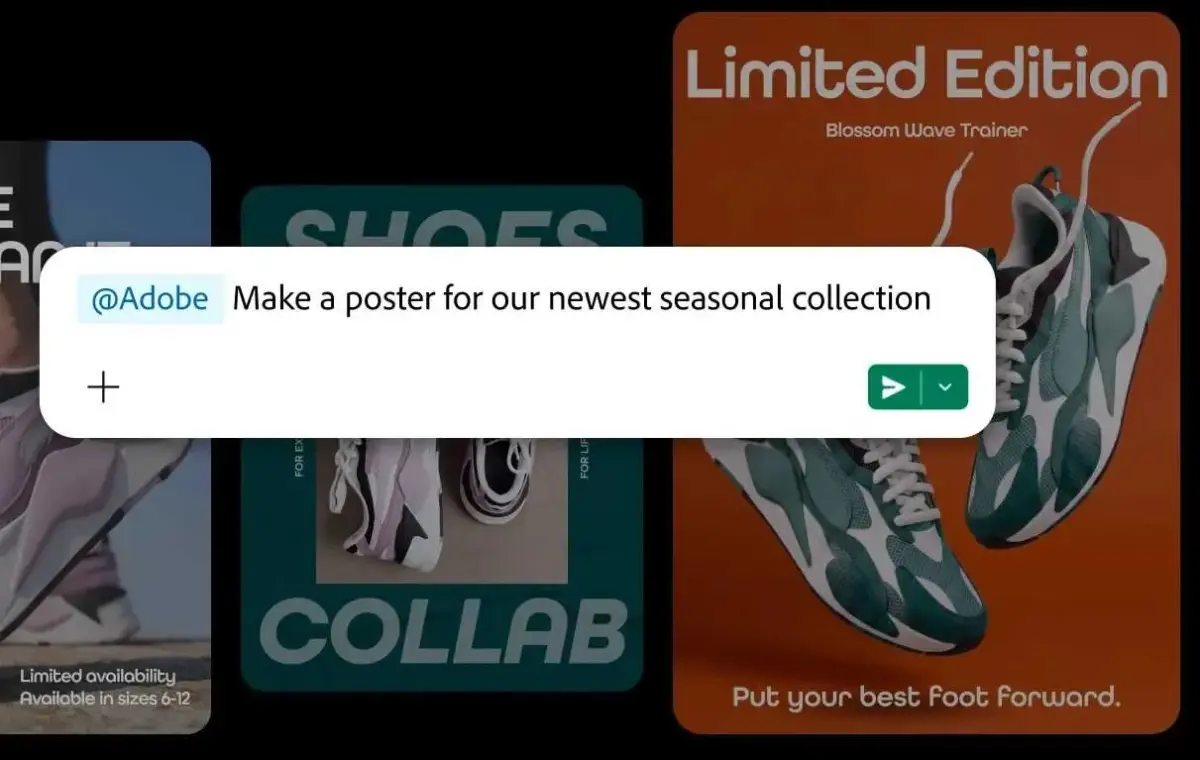
With the launch of a new integration this week, Adobe is making more than 70 Creative Cloud applications available in Slack, promising to bring generative AI (genAI) document creation closer to team conversations.
The Adobe MCP (model context protocol) integration allows Slack users to access, edit, and create new documents from Adobe creative and productivity tools without switching apps. This includes Photoshop, Premiere, InDesign, Lightroom, and others.
The integration should help “improve efficiency and speed of content creation,” said Irwin Lazar, principal analyst at Metrigy. “We have consistently found in our research that companies want to use their team collaboration apps, like Slack, as work hubs.”
To access the integration, users interact with Slackbot — Slack’s AI “teammate” — via natural language prompts.
Adobe outlined several use cases in a blog post Wednesday. It’s possible to turn “project plans and conversations” in Slack into “PDFs, images and videos you can share with your team in Slack,” and turn speadsheet data into a “PDF or visual you can share with your team or client.”
Other uses include the ability to edit images such as headshots and event photos in bulk — with controls available to adjust lighting and tone, crop and resize images, and more — as well as to search for Creative Cloud assets from Slack.
The editing interface is more limited than in the full Adobe apps, which Adobe said users can switch to when they want “greater creative control” and “pixel-level precision.”
The Adobe integration is available to Slack Business+ and Enterprise+ customers. Adobe said that most Adobe apps are “currently available for free to users,” though it didn’t confirm whether this is a temporary or long-term pricing structure. The integration includes access to some generative AI features, with daily usage limits, though others, such as generative video, require paid Adobe accounts.
Overall, the move is part of a wider effort by Slack to make AI tools available where work conversations occur. That was the idea behind the recent Slack Code launch, for instance; it’s aimed at aiding interaction with AI coding assistants for multiple coworkers around one-off software development tasks such as bug-fixes and feature updates.
For Adobe, it’s a continuation of efforts to make its software available in other platforms. The company recently announced ChatGPT integration that lets users create and edit content from the AI assistant.
The Adobe integration with Slack allows conversations and work to “move closer together,” said Joe Cicman, principal analyst at Forrester. “Instead of Slack being where requests are discussed and Adobe being where changes are made, the conversation itself can increasingly become part of the creative workflow,” he said.
“More broadly, we’re seeing enterprise software move toward bringing capabilities to the worker rather than forcing the worker to move between applications,” he said.
Cicman expects that the ability to interact with Adobe tools in Slack will appeal first to “hands-on marketers and content creators who want to prototype ideas quickly or generate variants of existing assets.
“More broadly, it appeals to people who have more ideas than they have expertise in Adobe’s professional tools,” he said. “They know what they want to create, but not necessarily how to navigate Photoshop, Premiere, or Illustrator. Conversational interfaces let them express intent instead of mastering the UI.”
There are other considerations about an integration that enables users to generate content with greater ease. It could, for example, increase the production of low-effort, AI-created documents within organizations.