One small phone attachment can spot cams, leaks, insulation problems and more. I was amazed when I tried it at my house.
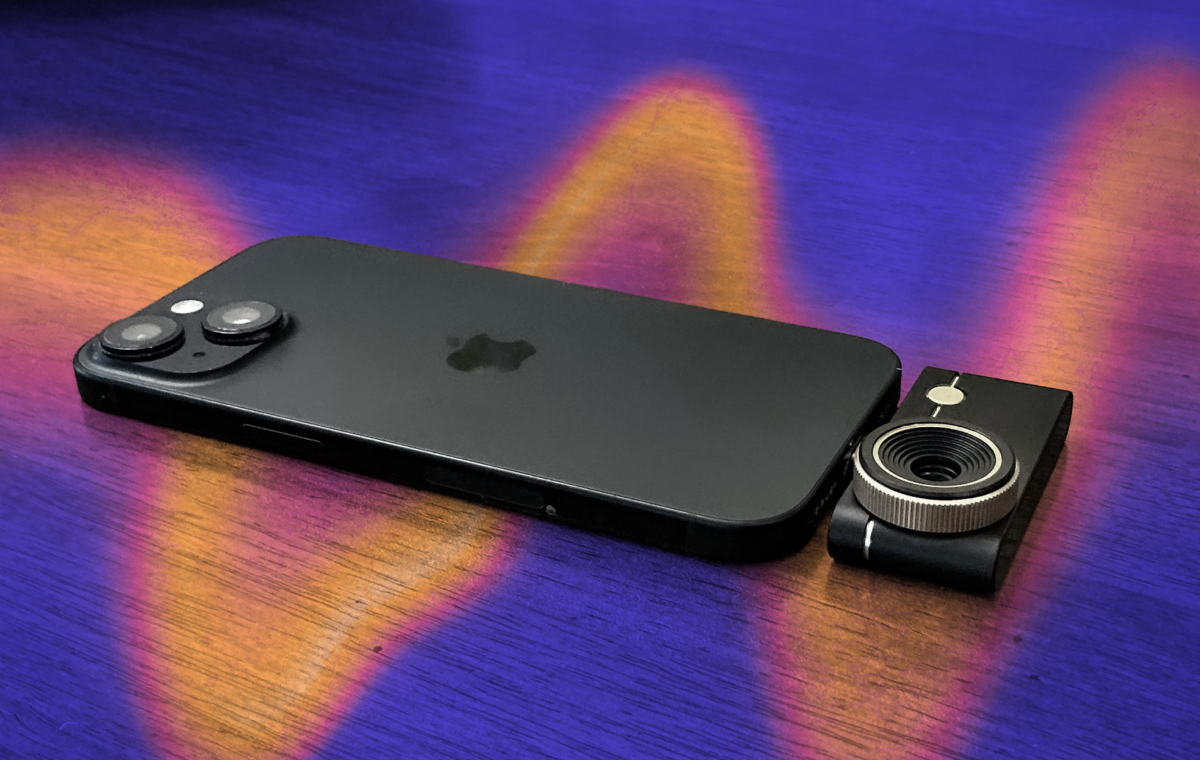
The Thermal Master P3 is incredibly easy to use for spotting problems at home or away. / Tyler Lacoma/CNET Art
Thermal imaging once belonged to the professionals and pricey equipment only. Now, a new type of device allows anyone to access surprisingly advanced thermal imaging directly on their phone. I tested out one of the latest models, the Thermal Master P3, and came away amazed at how much it can do, both around the home and on vacation.
Not only did the Thermal Master P3 ($279) prove capable of detecting hidden cameras, like the ones that many have found in vacation rentals, it could also help spot insulation issues, detect certain kinds of water leaks and more.
While the thermal detector add-on is around $300, that’s still less than most would pay for a home inspection, and it can be used repeatedly during different seasons, on multiple trips and more. The design quality is superb, it supports both iPhone and Android phones, and the camera comes in a case small enough to store in a pocket when not in use. Plus, setup only took me a couple of minutes in total.
Here’s how I used this little thermal masterpiece and the many problems it can address. While it does have some classic thermal imaging baggage, like struggling with reflective metal surfaces, you’ll be surprised by just how useful the P3 can be for the average person.
The Thermal Master P3 offers top-notch quality with a metal framework and its own carrying case, which you’ll want to use to keep the cam add-on undamaged when not in use. It has a 25Hz refresh rate and can detect anywhere between -4 degrees and 1,112 degrees Fahrenheit, with plus/minus 3.6 degrees accuracy and plenty of calibration options.
The Thermal Master app, which is entirely free to use, is packed with features. The good news is you don’t need most of them to get started: I downloaded the app, plugged the camera into my phone port, switched it to Fahrenheit and was looking at heat maps within a couple of minutes.
You can adjust magnification, switch temperature color palettes, adjust measurement distance and ambient temperature, set emissivity and plenty more (even a bird watching mode), but none of it is really necessary when standard settings work so well. Unless you’re a pro that needs very specific readings, this thermal cam works right out of the box. That box also includes a Lightning adapter and 19.7-inch extension cable, if you need them.
Thermal imaging is one ward against hidden cameras in vacation settings, which are unhappily common in Airbnbs around the world. I have a guide on several tricks you can use to spot these cameras when first entering an Airbnb, and one of the most effective is using a thermal camera. With the P3, you don’t need to lug around an extra device, either.
But how well does it work? I tried hiding both an Onn wired and a Eufy wireless camera at home to see how well the camera picked them up with a scan. As you can see, the wired camera is basically invisible when it’s tucked behind books in a bookshelf, even though it can see through the gap. But the thermal imaging picked up its heat at once, warning that there’s something back there to find.
The wireless camera was a bit more difficult to detect, since it doesn’t heat up much unless in use for an extended period of time. However, the camera still noticed something odd in the dark closet when it registered a spot that was a couple of degrees higher than the surrounding area, pinpointing it for investigation. Tricks like these can work with vents and many other spots where hidden cameras exist, as long as you’re scanning a foot or two away.
Note that wireless cameras like these often need a nearby hub to connect to. The Thermal Master cam immediately spotted the hub for this camera hidden behind a sofa, so that’s something else to watch for if you’re tracking down suspicious devices.
Also, the heat mapping features, complete with pinpointing temperature, are nice for spotting other problems with a vacation home, like drafts, leaks, pests and other issues I cover in this review.
A common purpose for these versatile phone add-ons is spotting places in a home where insulation is inadequate and the home may be leaking hot or cold air, wasting money on energy bills. Finding a spot like this could be the start of a DIY spray insulation project or similar work that will help save money for years to come.