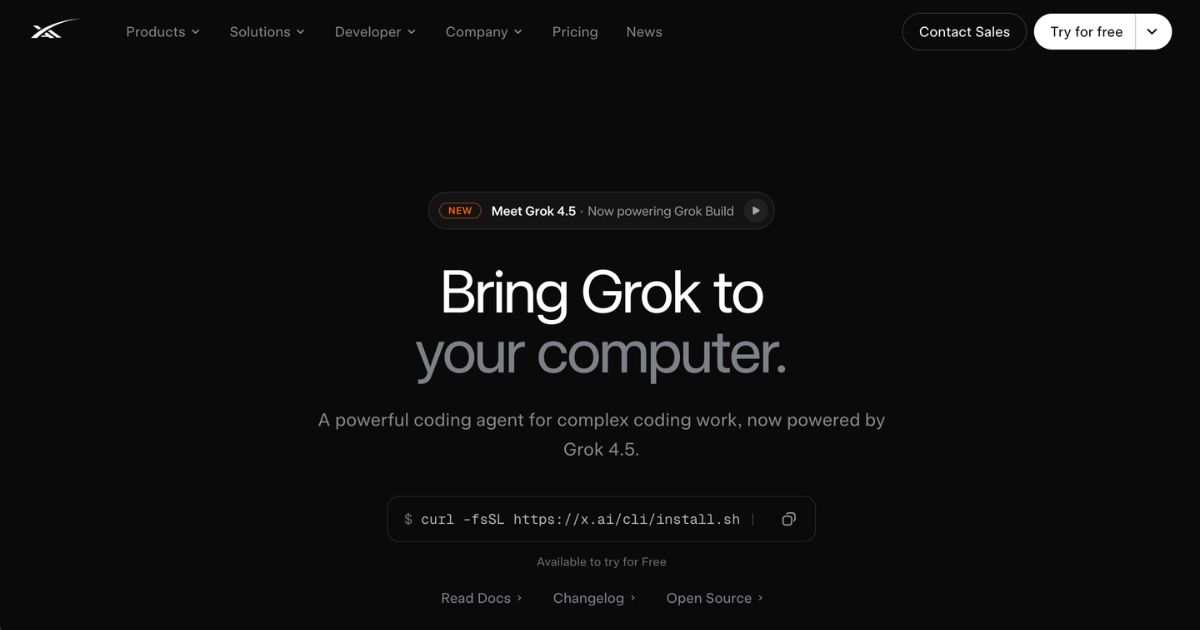
Grok Build CLI enables comprehensive code management with AI-powered planning, memory persistence, and Git integration for professionals.
Grok Build CLI by xAI is a terminal-based agent powered by the Grok 4.6 model, designed to help software professionals manage their entire development workflow directly from the command line. It supports planning, building, editing, testing, deploying, and even code reviews, all while integrating tools like Git, web search, memory persistence, and connectors for third-party services. The Grok Build CLI works in both interactive TUI mode and headless form for scripting in CI/CD pipelines.
Grok Build CLI is well-suited for developers, dev teams, technical leads, and engineering managers who want tighter control over their code workflows, automation, and consistency. It is valuable to organizations already using toolchains like Git or continuous integration/deployment pipelines, especially when needing to integrate AI-assisted planning, refactoring, and automation. For solo developers or hobbyists, many features may be sophisticated, but the CLI still offers utilities like multi-file edits, memory, and tools that simplify complex tasks
All tiers provide SOC 2 compliance, connectors, and access to Grok Build CLI. Users and teams can customize billing through prepaid credits or monthly invoices, set spending limits, monitor usage, and manage rate limits. For API tools like image or video generation, each invocation is charged per endpoint—for example, web search or code execution tools cost roughly $5 per 1,000 calls. Token pricing varies by model and whether input is cached; models like grok-4.6 charge different rates depending on token type and volume.
Grok Build CLI constitutes a substantial step toward bringing AI-driven workflow intelligence into developer toolchains. Its tight integration of planning, memory, stateful sessions, and extensibility via plugins and subagents sets it apart from simpler code assistants. However, its sophistication comes with complexity—decision-makers should assess whether their team’s current workflow, technical capacity, and budget justify the need for features like headless automation and multi-agent workflows. The pricing structure rewards scale, so for large teams or frequent usage, the higher tiers offer better value, while smaller users may find the Free or middle tiers sufficient. For businesses considering adopting Grok Build CLI, a trial in a non-critical project is advisable to evaluate compatibility with existing processes and the cost implications of token usage and rate limits.
Keep up to date with our stories on LinkedIn, Twitter, Facebook and Instagram.