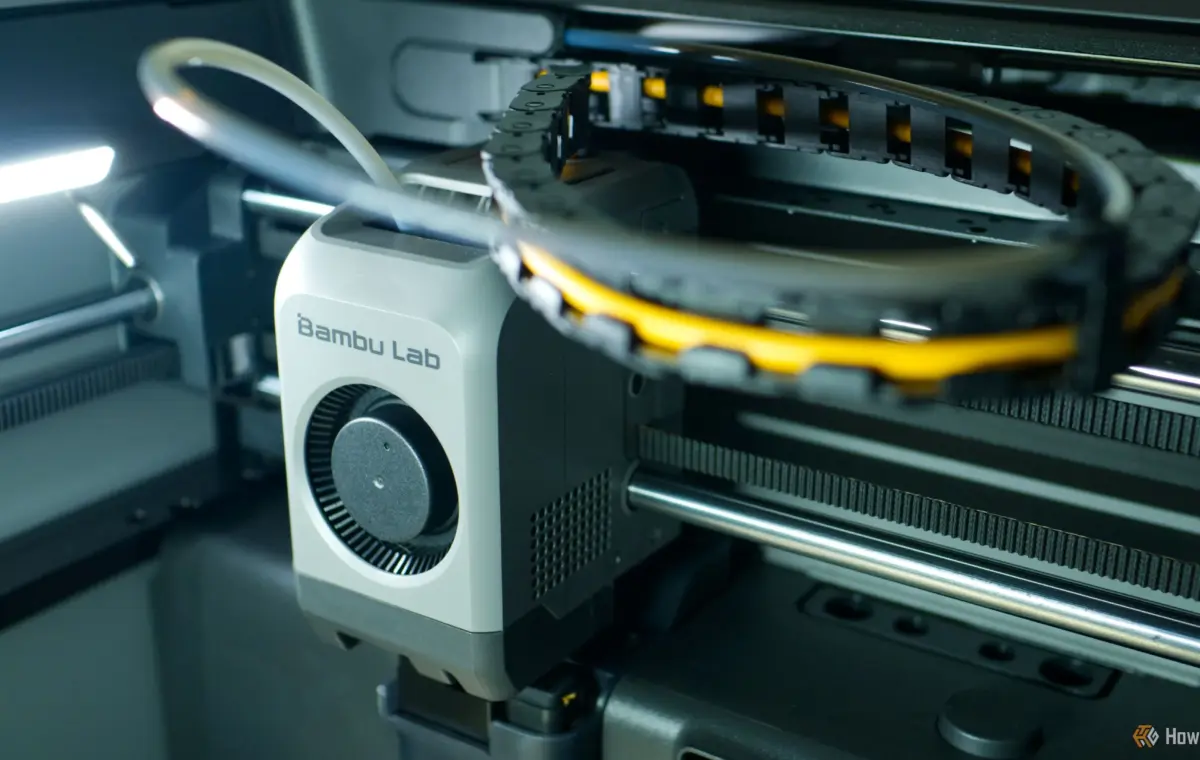
Most modern 3D printers meet or exceed the bar of satisfactory print quality, making it a relatively trivial metric for comparing models. If you’re shopping for a printer right now, you’ll want to consider some other things instead.
Value for money is high on anyone’s list of priorities when it comes to dropping a wad of cash, and the 3D printer market has options in droves. If you find yourself on a very limited budget, then you’re probably going to want to stick to some of the more budget-friendly options. One option is a brand like Elegoo with its $299 Centauri Carbon 2 earning an editor’s choice award when we reviewed it in early 2026.
While Elegoo lacks some of the polish found in Bambu Lab’s printers or the reputation of a machine from Prusa, the fully-enclosed Centauri Carbon 2 is a CoreXY printer that offers excellent value for money with a few considered cuts to overall build quality and the look and feel.
This isn’t to say Bambu Lab doesn’t offer excellent value too, particularly considering a capable printer like the X2D is only $100 more than the mid-range P2S (which starts at $549). But you’re not just buying a printer with Bambu Lab; you’re buying into an ecosystem—and that can have its pros and cons.
There’s no denying that Bambu Lab has taken over the 3D printing world in the last five years or so. The company has managed to get two things right that have resonated with newcomers: value for money and ease of use. While Bambu Lab’s printers aren’t the cheapest on the market, they still offer surprisingly good value.
Compared to a brand like Prusa, which manufactures its printers in the European Union and United States, a brand like Bambu Lab can scale production more effectively and undercut quite aggressively. A printer like the X2D comes with more advanced features like a dual-nozzle setup and heated chamber for only $649, while Prusa’s closest competitor, the Core One+ (Gen 2), costs over $1,500 unless you buy it as a kit and assemble it yourself (for $1,159).
With Bambu Lab, you’re also buying into an Apple-like ecosystem. The company earned a reputation for making printers that are easy to use and maintain. While many of the features that the company spearheaded—like automatic bed leveling—are now widely available, the company’s reputation has endured thanks to the success of the MakerWorld model repository, its Bambu Studio slicer, and mobile apps.
Cloud connectivity is something else Bambu Lab takes seriously, though the company has come under fire for attempting to limit what third-party slicers can do without taking the hardware fully offline. The company maintains a tight grip over its ecosystem and has used legal threats to shut down third-party projects that it sees as a threat.
This closed-source approach isn’t unique to Bambu Lab, but there are alternatives. Prusa famously made its printer designs open source for years, though the practice has stopped with the latest releases. The company still pushes open standards like the OpenPrintTag RFID system, and maintains a reputation as the more pro-consumer, tweaker-friendly choice.
This one is easy. If you’re mostly going to be sticking with PLA and PETG, the two most user-friendly 3D printer filament types that don’t necessarily need to be super strong or durable, most entry-level printers will do the job. If you want to print with materials like ASA and ABS or other engineering-grade filaments, you’ll want a heated chamber and a hotend that can reach very high temperatures.
Heated chambers are useful because they prevent your printed items from cooling rapidly, which can cause them to warp and deform. Not only does this result in print quality issues, but it can also result in failed prints as the filament warps to a degree where bed adhesion is compromised.
At the same time, materials like ASA and ABS are far more harmful to be around while your printer is running. You’ll want to make sure the printer you’re using has a place to go that’s well ventilated, even if it also includes a filter.
For many of us, multicolor printing is a nice-to-have feature. For others, it’s essential. Which side of this debate you come down on should influence which printer you buy. I have a Bambu Lab P2S with the company’s AMS 2 Pro multi-material printer system. My printer can absolutely do multicolor printing, but I avoid doing so because it’s simply not worth the waste generated.
Single-nozzle printers must purge the print line every time they switch color, which means dumping filament. For small items, this can mean extruding more filament as waste than you put into the item. As you scale up (for example, printing 20 of the same item on a single print bed), the ratio of waste to object weight becomes more bearable.
There are ways around this, namely toolchanger printers like the Flashforge Creator 5 Pro ($949) or Snapmaker U1 ($849). These printers are able to produce multicolor objects without purging filament by keeping several colors loaded at once and switching between heads.