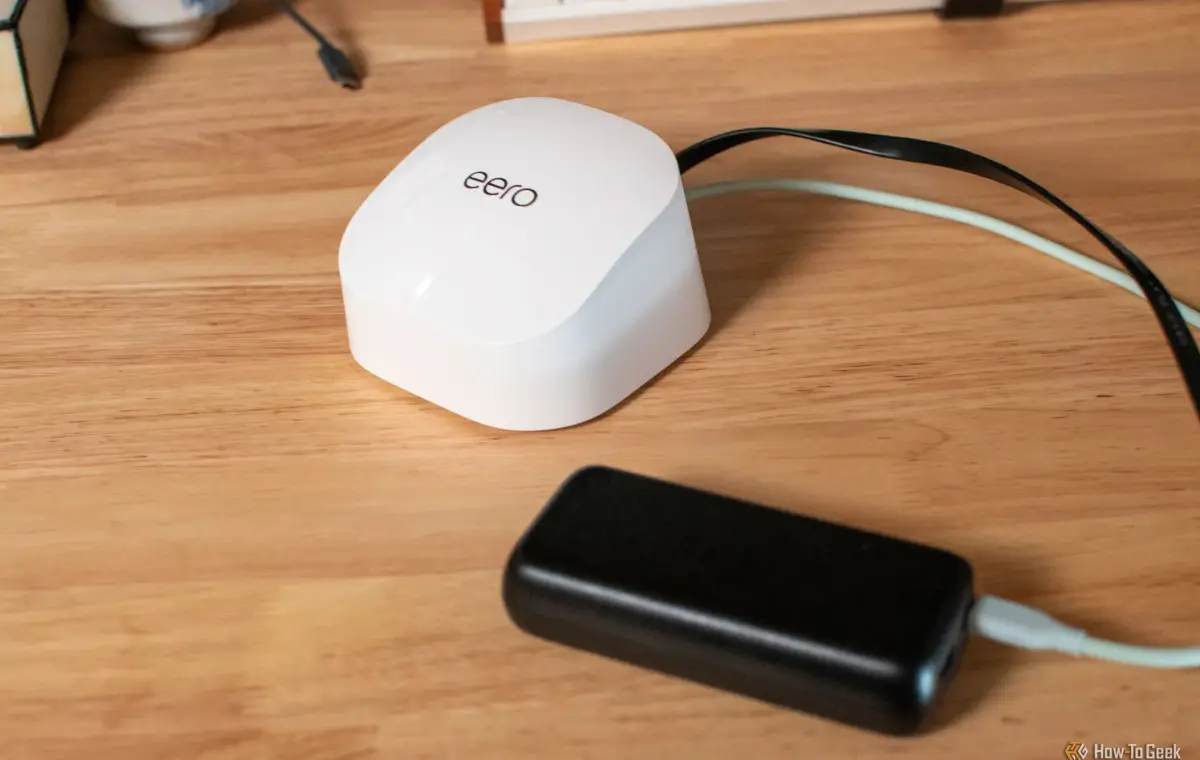
As a general rule, it makes good sense to plug your networking gear into an uninterruptible power supply (UPS). But does that mean that every single home and every single router requires that additional expense?
Nope. In fact, certain router owners can get by with a dirt-cheap power bank and nothing else, and their connection will still be secured during a blackout. Here's how it works.
Look, I firmly believe that plugging your network gear into a UPS is great, especially if you're running a home server. But the reason isn't that your router consumes some crazy amount of power, because it really doesn't. At least most of them don't.
Compared to most electronics in your home, routers are surprisingly low-key. Take Amazon's eero brand as an example. The eero 6+ averages around 4.5W, while the eero 7 and eero 7 Pro average about 7W. That's nothing compared to most of the stuff that's plugged into any of your outlets at any given time.
These modest requirements make it so that during a blackout, you don't have to scramble and wish you'd bought that expensive UPS. All you need is a power bank. A battery designed to charge a phone or a tablet at 30-45W has plenty of output headroom for a router, so that shouldn't be a problem. Well, it can still be a problem if your router is one of those intense $600 gaming beasts.
Of course, the power bank still has to support the voltage and current profile your particular router expects, so this isn't a blanket promise, but it is worth checking out. It's especially easy and convenient to do with routers that already use USB-C for power, such as several eero models, which is why I mentioned them in the first place. Without that USB-C power, you'll probably have to mess around with USB-C PD to DC barrel jack trigger cable.
Wi-Fi standards moved on, but your old router can still do something useful
You really don't need anything fancy for this to work. Many power banks will do the trick. For the sake of this article, I picked out the INIU 45W power bank, which fits the under $25 bracket. It can deliver up to 45W over USB-C, and that's comfortably above something like an eero 6+ or eero 7 might ask for. From a raw power perspective, it'll get you what you need to keep the router going during a blackout.
Most routers won't need 45W at all, let alone all the time, so it's not a hard figure to aim for—but that extra headroom's pretty nice. The power bank will supply enough power to the router while giving you a decent amount of battery capacity to work with. With that said, plenty of 30W power banks will do the trick here, too, but you'll have to check your exact power specs.
If a 10,000mAh power bank doesn't sound huge, I don't blame you. But when your router only draws a tiny bit of power, that capacity can stretch surprisingly far. Assuming your laptop can survive on battery for a while, your router can probably last just as long with that power bank juicing it up accordingly.
Roughly speaking, a 10,000mAh lithium battery stores around 37Wh of energy before conversion losses. If we take the various 4W-7W eeros as an example here, that works out to a theoretical runtime of a little over eight hours (at the low end, 4.5W). In the real world, you'll see less than that, but still a very reasonable amount of time. It's plenty enough for short outages, but treat these numbers as estimates, because it's impossible to predict without knowing the specs of your router and power bank.
If you own a mesh Wi-Fi setup, then a power bank is a great way to temporarily extend your coverage outside of your home. Just plug one of the nodes into your power bank and place it outside.
Outside of knowing the wattage, there are some more caveats to be mindful of before you decide that your router is safe forever thanks to a cheap power bank.
USB-C is annoying because there's always more to it than meets the eye. As such, matching the wattage is just one part of it, because your power bank also needs to support the voltage and current profile your router expects through USB PD (Power Delivery). For example, eero's 27W USB-C adapter can supply 5V/3A or 9V/3A, which matches up perfectly with the INIU power bank I mentioned above.
The important lesson is that a 30W or 45W power bank can still be a bad fit if it doesn't run the right USB-C PD profile. The router may still power on, but it could be unpredictable, or it might not power on at all.