Vishwamoorthy's interest in tech started early, as a school student, watching Pixel 2 XL camera review videos and being awestruck by what a phone camera with excellent software could do. That curiosity stuck with him: since 2022, he's published over 1,500 articles covering smartphones, Android, and consumer tech news at FoneArena, one of India's leading tech publications.
Lately, he's obsessed with how AI is reshaping the business world, the deals, the products, the quiet feature rollouts nobody notices until they're everywhere. Reading and writing about tech is what keeps him going; doomscrolling is what keeps him honest.
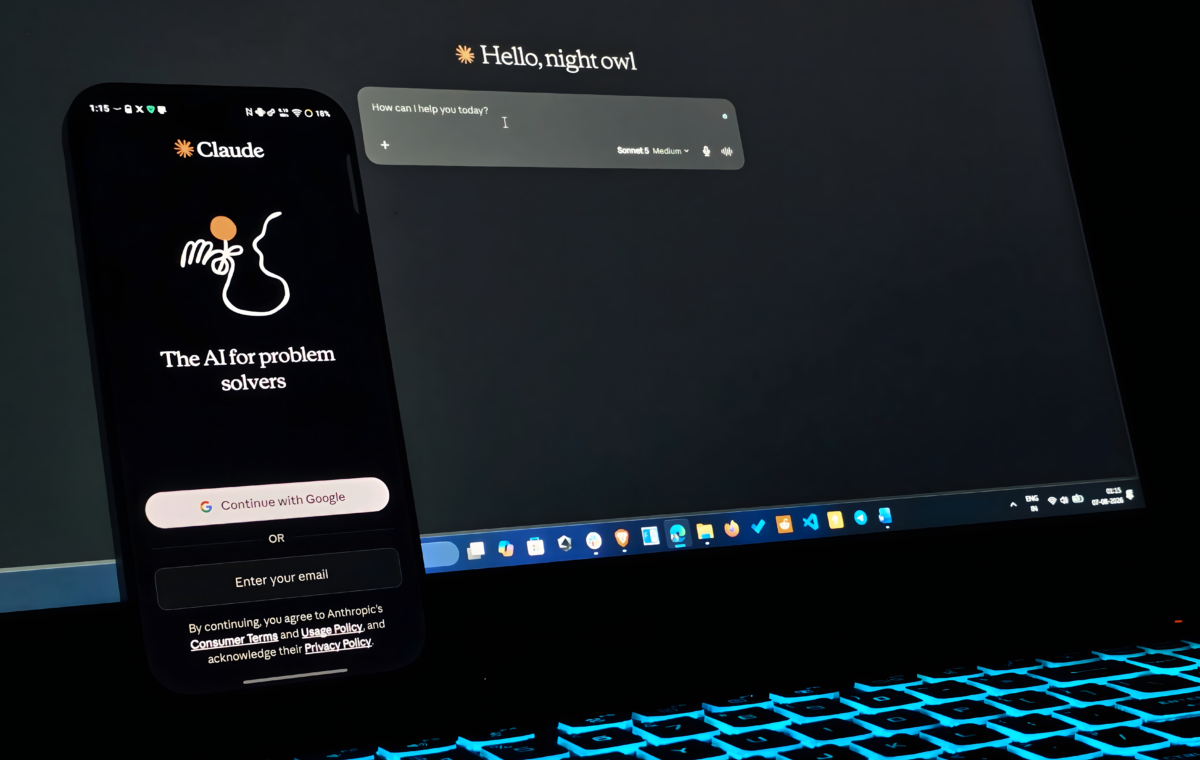
With AI chatbots like Claude, ChatGPT, and Gemini becoming our go-to thinking partner/co-worker, more often than not, we use them extensively. Like many, I love using Claude (web or app), especially for high-value tasks such as brainstorming ideas, solution architecture for apps, document generation, or data analysis. However, as a free-tier user, I frequently hit the rolling 5-hour session limits.
Official documentation of Claude says, "The number of messages you can send (in the free tier) will vary based on demand.” So there isn’t any fixed number of messages or token limits, after which you know you’ll hit the rolling 5-hour limit. Hitting a limit mid-task can be a frustrating blocker. In some cases, I’ve hit session limits with a single prompt.
If you’re someone like me, here are my top strategies to tackle the rolling session limits and maximize Claude’s free tier on both the web and the app.
We eventually want the LLM model behind the chatbot to remember everything we say, which companies call the “context window," and answer effectively. But with every prolonged session, there exists a hidden cost: token usage. Before an LLM reads your prompt, a tool called a tokenizer chops the text into pieces (tokens) and turns them into quantifiable numbers. Every word you type in a prompt, the context of previous messages, and Claude’s responses all drain your token budget.
Additionally, the AI model you choose for a prompt also counts. Free users can pick Haiku (for the fastest answers) or Sonnet (the sweet spot for everyday tasks). When you choose Sonnet for a certain task, be mindful of the fact that it has a dedicated "Effort" (Low to Max) menu underneath. By default, effort will be set to "Medium," but you can always increase or decrease levels depending on tasks. Keeping the effort lower saves your session limits, while turning it up provides thorough responses but burns through your limits faster.
Quick answers, summaries, and simple extraction
Coding, writing, analysis, and multi-step workflows
Make sure all your initial prompts have a persona that you want Claude to act as, which I often type as "You're a backend developer/news writer/solution architect…" depending on the task. Define the task and context properly in the initial prompt, as this acts as a navigator for Claude in that particular session.
It’s always recommended to remember the P (Persona), T (Task Description), O (Output Format) and C (Context) formats while crafting an initial prompt. Make sure your initial prompt has all these aspects covered in it to get better results throughout the session.
When you have a big task to achieve, like coding an app, setting up a productivity system for yourself, or anything that involves clear steps, you can use Claude’s excellent reasoning capability to brainstorm and come up with strategic steps with detailed descriptions and the tool use.
To do so, provide a clear prompt following the PTOC structure outlined above, and then ask Claude for a step-by-step guide detailing the "why" behind each action.
With a clear plan of action from Claude, have a copy of it as a Word doc or get it as an .md (markdown) file from Claude for a safe backup. Now that we have a clear plan of action, you don't need to waste Claude's usage on simple tasks defined in each step; you can try other free chatbots like Gemini or ChatGPT to finish the step. After the completion of each step, you can just inform Claude of the completion, or if you face any blockers, you can query it to clarify the approach.
As I mentioned before, the longer the session, the more tokens you burn in every consecutive prompt. It’s always suggested to switch to a new chat window when the conversation goes on for a long time and in multiple sessions. But the caveat is that you lose all the context of the previous chat—but there’s a way to seamlessly carry that context to your new window.