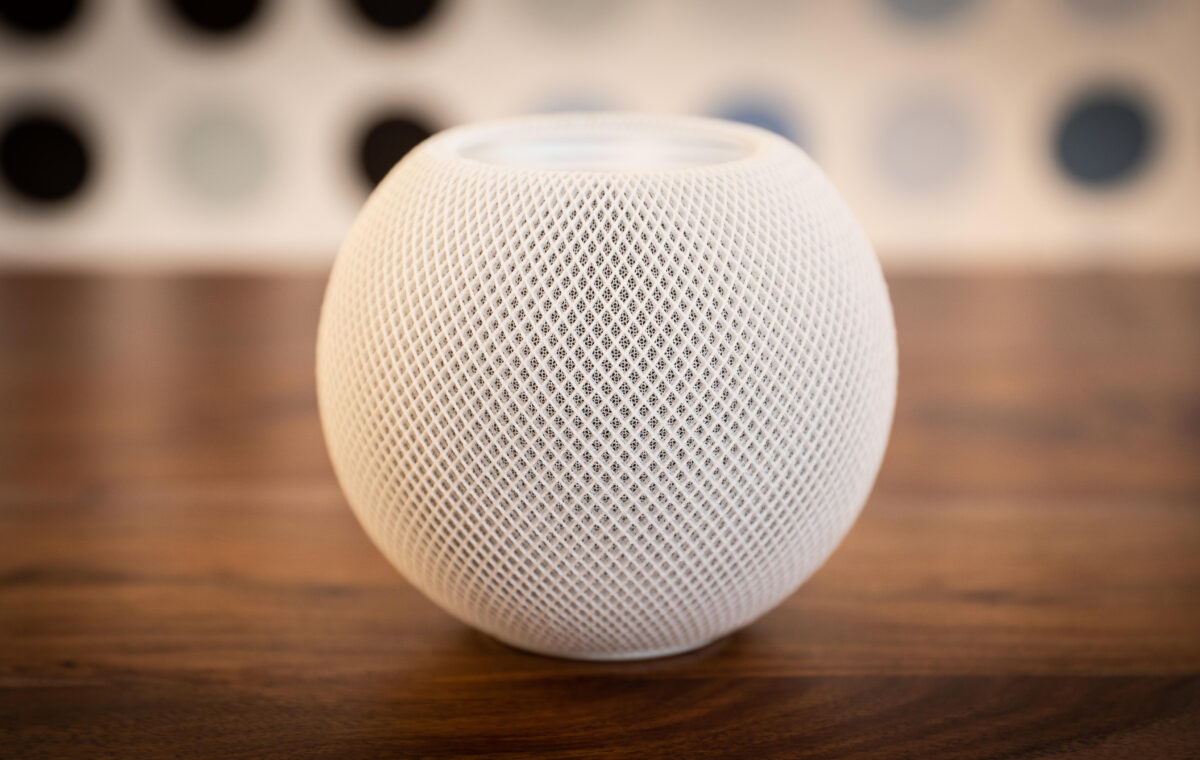
I've found my favorite 20-odd Siri voice commands as Siri AI gets ready for big Apple Home changes.
As more advanced Siri AI features start rolling out and Apple preps to release new smart home devices, it’s never been a better time to try Siri out in your home, but where should you begin? Whether you’ve got a HomePod, the Apple Home app on your phone or a similar option, I’ve got the “Hey Siri” voice commands everyone needs.
From my years of testing Apple devices at home, here are my favorite Siri orders and why they work so well. Think about adding a few to your list, too. And as Siri AI continues to expand into new areas, I’ll keep this list updated with the latest, most useful options so you’ll always know where to go.
I use the Apple Home for everything from Ikea security sensors and smart locks to kitchen lights and bedroom lamps. Connecting a device to Apple’s home platform also means you can use your phone or a speaker like the HomePod mini to take control of it with Siri, no matter where you are. Try out useful commands like these:
“Hey Siri, turn on the heater” lets you control common smart appliances from afar.
“Hey Siri, turn off the kitchen lights” allows you to target a room for specific controls, as long as you’ve correctly labeled your smart lights in Apple Home (something I encourage). You can create as many rooms as you need, including offices, bedrooms, upstairs areas and whatever other label you need.
“Hey Siri, set the playroom smart lights to blue” gives you the option to adjust shades, and you can use similar commands for brightness, etc. Just make sure the lights have those capabilities in Apple Home.
“Hey Siri, turn the thermostat down by two degrees” gives you control over a smart thermostat, no matter where you are.
Pro tip: If you ever find one of these commands stops working, check for firmware updates and reboot both the brand’s own app, Apple Home and your phone or other device. You may need to reboot your Wi-Fi router, too.
Aqara’s mini system is great for watching over small spaces and is Apple-compatible.
If you have a compatible security device, you can also give Siri orders to control it or learn more about how it’s functioning. This is a field that’s currently seeing quick growth as Apple is expanding Siri AI’s capabilities to more security cameras and similar devices, letting you use commands like these:
“Hey Siri, unlock the front door” is useful if you have a connected smart lock. Some of my favorite smart locks have excellent Apple compatibility, so this is a great place to begin using Siri around the home. If you don’t have autolocking, you can use Siri to lock the door on demand, too.
“Hey Siri, arm the security system.” Commands like these are handy if you’re heading out the door and want to arm quickly to save time.
“Hey Siri, show me the backyard camera” can display a live view in Apple Home, as long as your camera is supported.
“Hey Siri, show me the front door camera on Apple TV.” With the right Apple TV and Home compatibility, Siri can also show a camera feed on your TV screen if something goes bump in the night.