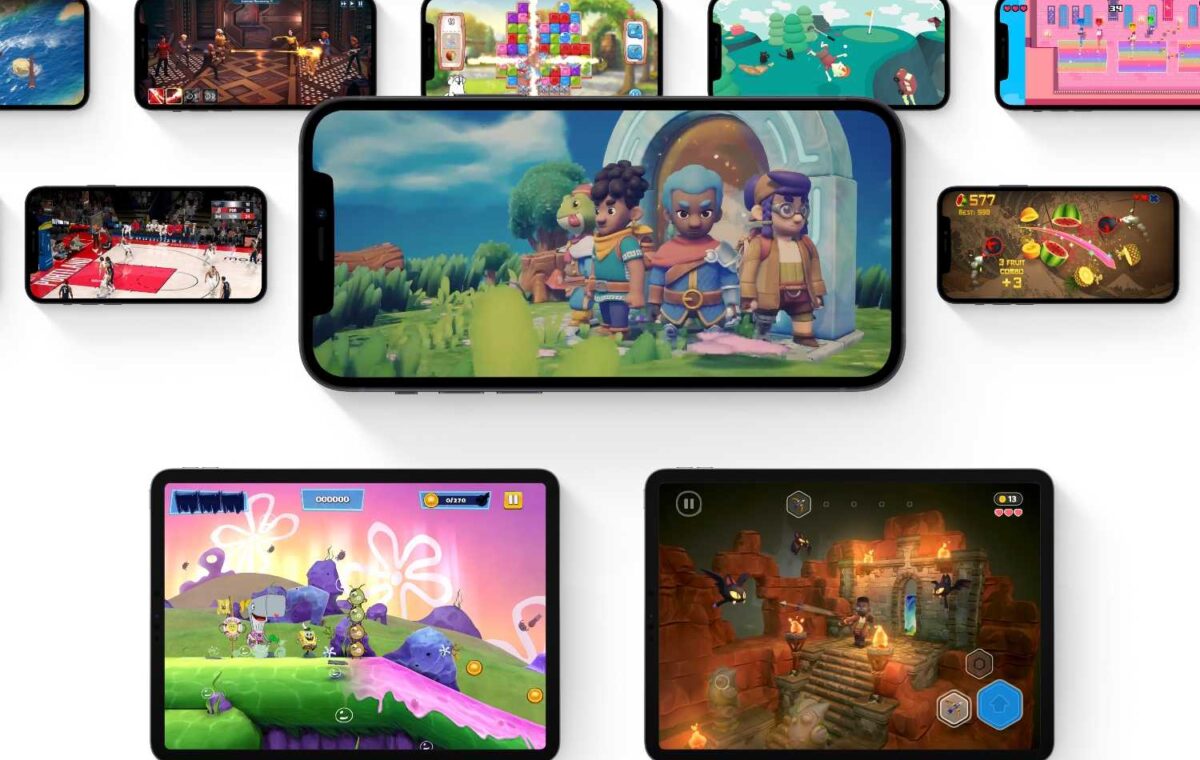
Gaming subscription services are all the rage now, but Apple Arcade isn’t a little different from the likes of PlayStation Plus, EA Play, or Xbox Game Pass. If you’ve got questions about it, we’ve got plenty of answers.
Updated August 7, 2026: There are four new games on the service again this month: Everyday Puzzles: Mini Games+, Madden NFL 27 Arcade Edition, Retro Bowl College+, and Water Sort Puzzle: Get Color+.
Apple Arcade is a gaming subscription service for iPhone, iPad, Mac, and AppleTV that features several hundred games. The games are a mix of genres and styles, and include original games you’ll only find on the service and others that can be found on the regular App Store or even other platforms. Apple Arcade isn’t a streaming service like Xbox Live Cloud Gaming or GeForce NOW. Games must be downloaded onto your device in order to be played.
Apple Arcade was made available as part of iOS 13, iPad OS 13, tvOS 13, and macOS Catalina or later. Some of the more visually-intensive games may only run well on newer hardware, though, and some Mac games require macOS 11 (Big Sur).
There isn’t an Apple Arcade app—it’s built into the App Store. On your iPhone, iPad, or Mac open the App Store and look for the Apple Arcade tab at the bottom of the screen (or in the left column on macOS). A sign-up screen with a Try It Free button will appear. After the trial you’ll be charged either the monthly or annual fee, depending on your selection. When subscribing, you’ll need to enter your Apple ID password or use Touch ID or Face ID to sign in, and you’ll have to confirm your subscription purchase a few times.
Once you’re done with the sign up, the Arcade section of the App Store shows what games are available to you. To access a game, tap on it in the App Store, then tap the Get button. When the game is done installing on your device, the Get button turns into a Play button, and you can tap it to launch the game. The game app icon will also appear on your device’s Home page.
On the Apple TV, there actually is an Arcade app. Open that to see the sign-up offer. You’ll also find an Arcade tab within the App Store.
Yes. One $6.99 per month subscription can be shared between up to six people (including you).
And here’s how to cancel Apple Arcade on the Mac:
No. In Apple’s words, “since every game includes access to the full experience, including all game features, content, and future updates, no additional purchases will be required.” Even games that have in-app purchases on the App Store won’t have any in Apple Arcade.
Also no. On a related note, Apple says Apple Arcade has no ad tracking.
No, and they’re not really necessary. Like App Store apps, games download quickly and can easily be removed if you don’t want to keep it anymore.
Apple partly envisions Apple Arcade as a way of letting players try out games with more freedom than the App Store currently allows (which is basically none). In Apple’s words, “rather than pay upfront for each game, a subscription to Apple Arcade will give players the opportunity to try any game in the service without risk.”
The service has a free trial, though, as we’ve seen with other Apple subscription services.
Yes. In additional to traditional MFi (Made for iOS) controllers, you can pair some specific Bluetooth controllers for either PlayStation or Xbox with either your iPhone, iPad, or Apple TV. Since many Apple Arcade games are playable on Mac and Apple TV (where controller support is more common), many games will support them. Some games, especially those that are also available in the broader App Store and only for iPhone or iPad, have no controller support.